Free Small Text Generator – Create Fancy Small Text Online
Want to make your social media bio, gaming nickname, or digital caption stand out? Ordinary text doesn't always provide the creative appearance you're looking for.
The free Small Text Generator from Muse AI SEO Tools transforms regular letters into decorative Unicode styles, including small caps, superscript, subscript, bubble letters, and bold small text.
Enter your words, select a style, and copy the converted result. The output updates automatically as you type, so you can experiment with different appearances without installing special fonts or software.
What is a small text generator?
A small text generator is an online utility that converts standard characters into smaller-looking or decorative Unicode symbols.
Unlike changing the font size in a word processor, this conversion replaces ordinary letters with alternative characters. This allows you to copy the generated text into compatible social media profiles, messages, and other text fields.
For example, the word"Hello" can appear in different styles:
| Style | Example |
|---|---|
| Normal | Hello |
| Small caps | ʜᴇʟʟᴏ |
| Superscript | ᴴᵉˡˡᵒ |
| Bold Unicode | 𝗛𝗲𝗹𝗹𝗼 |
Our small text creator brings several styles together, making it easy to compare results and choose lettering that suits your purpose. The appearance of some Unicode characters may vary between devices and applications.
Key features of our tool
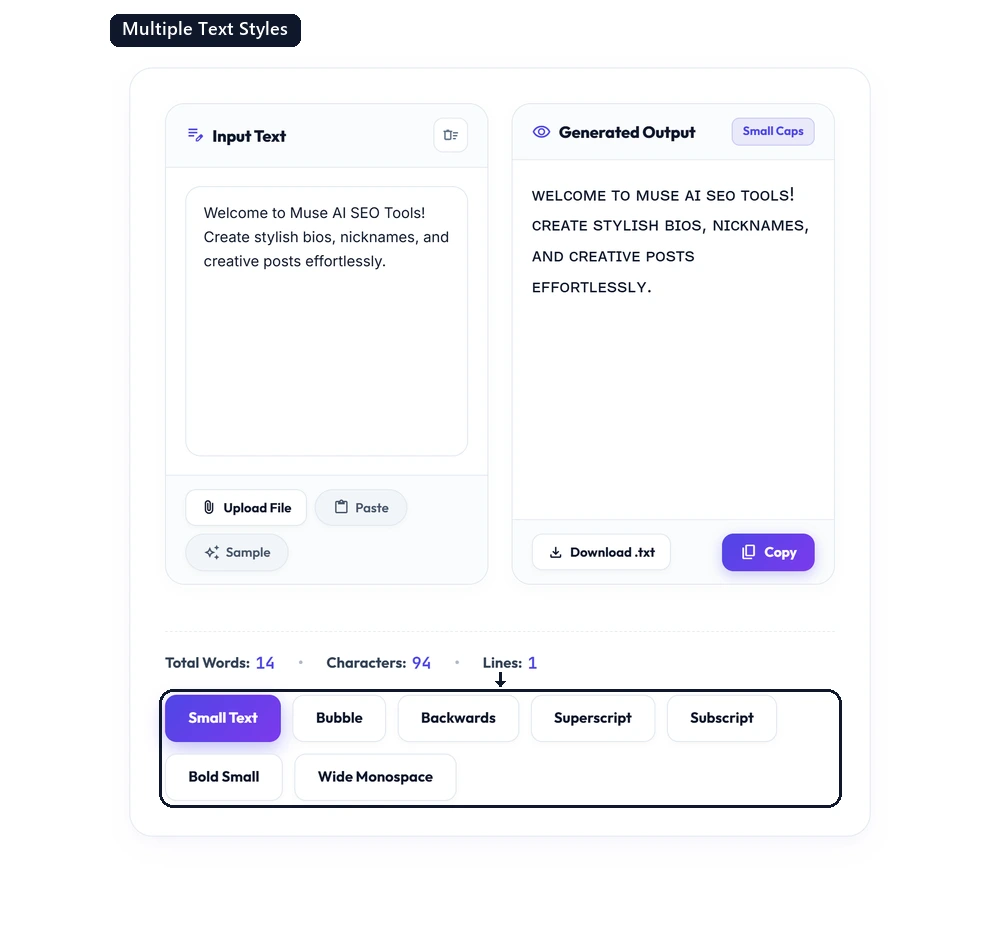
- Multiple text styles: Convert regular text into small text, superscript, subscript, bubble letters, and bold small text.
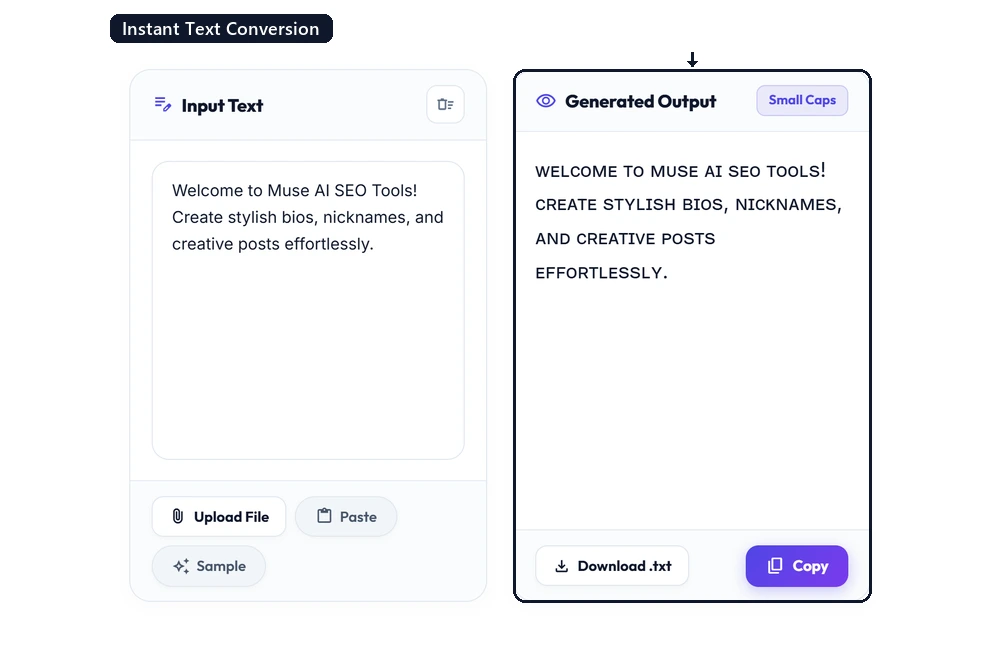
- Instant text conversion: See the converted output automatically as you type or paste, without clicking a generate button.
How to use the big to small text generator
Creating decorative text takes four simple steps:
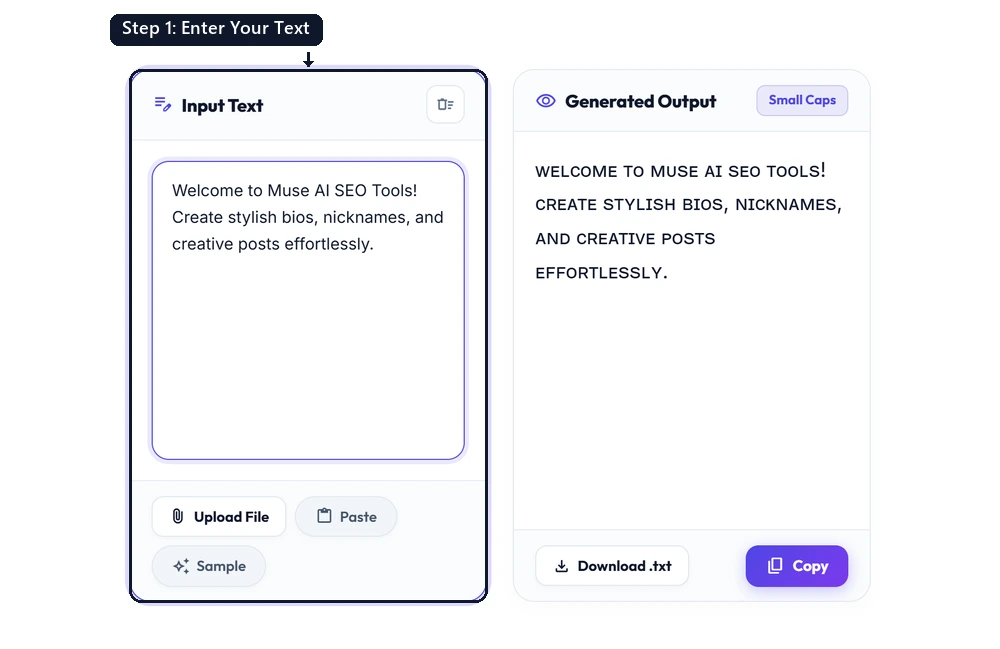
- Enter your text: Type or paste your words into the Input Text box. You can also upload a text file.
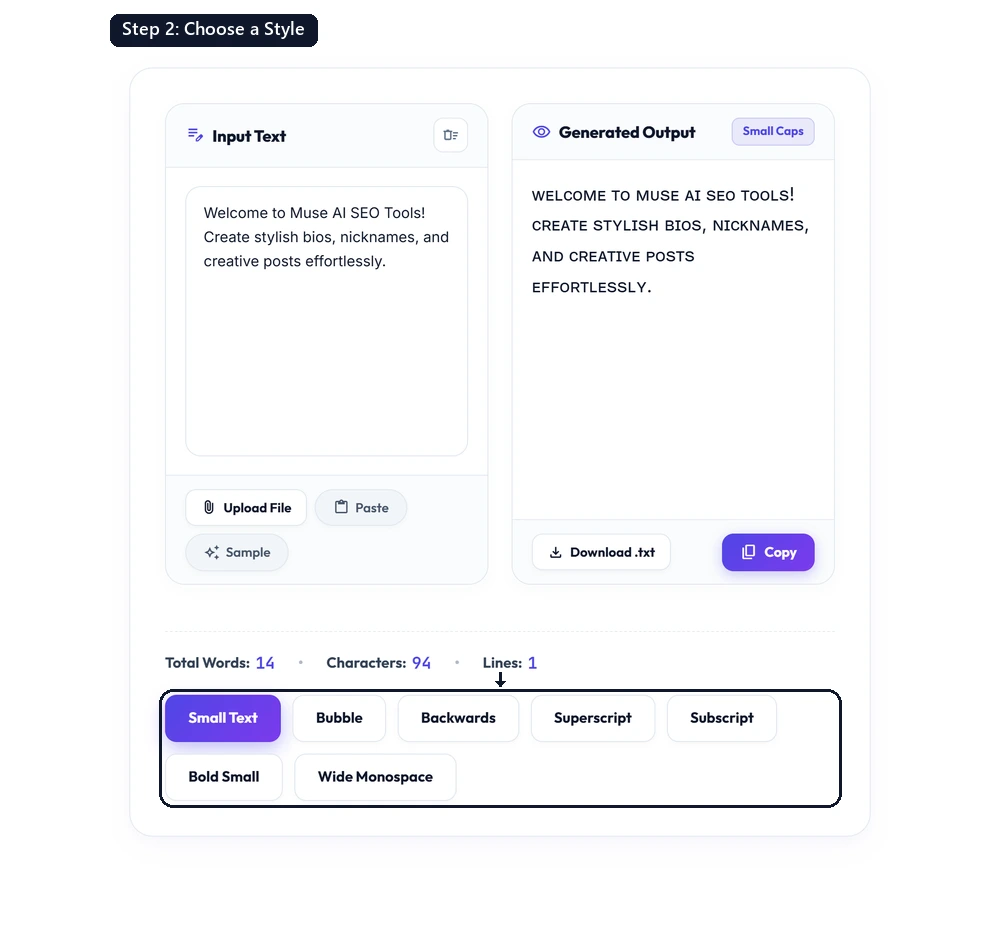
- Choose a style: Select Small Text, Bubble, Superscript, Subscript, or Bold Small.
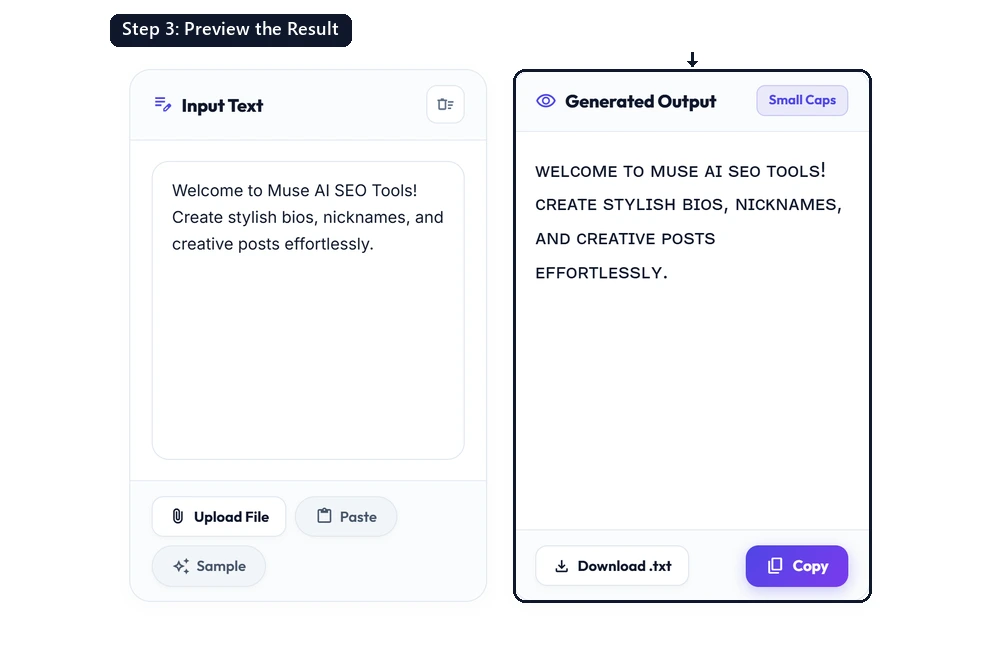
- Preview the result: Check the Generated Output section. The text updates automatically when you make changes.
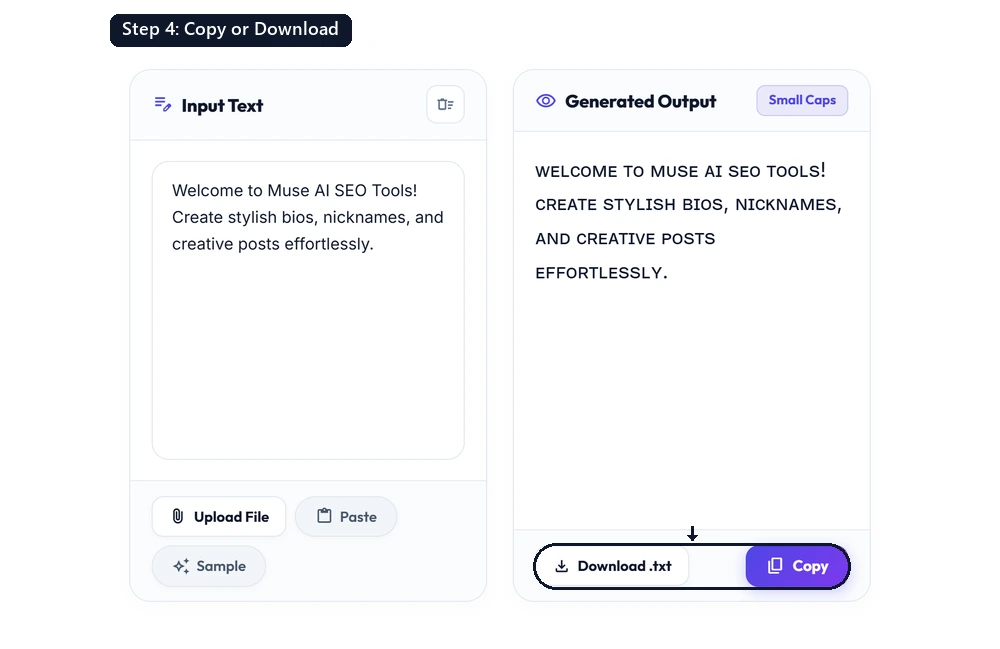
- Copy or download: Click Copy to use your text elsewhere or Download .txt to save it.
This small text generator copy and paste process lets you try different styles before choosing the one you prefer.
Popular practical creative use cases
People use decorative Unicode text to personalize short pieces of digital content.
- Social media bios: Add distinctive lettering to Instagram profiles, TikTok descriptions, and YouTube channel summaries.
- Gaming nicknames: Experiment with creative usernames for Roblox, Minecraft, Steam, and Discord, where supported.
- Digital planners: Style headings, short quotes, and captions in journals or digital trackers.
- Decorative labels: Create compact-looking credits, short labels, and copyright notices where readability is not affected.
A small fancy text generator can be especially useful for creative content that benefits from a distinctive visual style.
Choosing the right small text style
Each style gives your text a different appearance. Here's how the available options compare using the word"Hello" as an example.
| Text style | Example | Best for |
|---|---|---|
| Small caps | ʜᴇʟʟᴏ | Profile names, minimalist bios, and short labels |
| Bold small text | 𝗛𝗲𝗹𝗹𝗼 | Highlighting words and short headings |
| Superscript | ᴴᵉˡˡᵒ | Decorative captions and raised lettering |
| Subscript | ₕₑₗₗₒ | Stylized expressions and creative notes |
| Bubble text | Ⓗⓔⓛⓛⓞ | Playful usernames and social media posts |
You can switch between styles to compare the results before copying your preferred text. Keep in mind that some Unicode characters may appear differently across devices and platforms.
Does small text work on every website?
Most decorative text generators use Unicode characters rather than actual font-size changes.
That's why a small font text generator can produce text that looks compact even when pasted into a standard text field.
However, the results aren't identical everywhere. Some platforms restrict unusual characters in usernames, while certain devices may display unsupported symbols incorrectly.
A super small text generator or very small text generator may also produce characters with inconsistent spacing or height, depending on the application.
Before publishing, paste a short sample into your intended platform to check its appearance.
Decorative Unicode text can be difficult for screen readers to interpret, so avoid using it for essential instructions or lengthy passages.
Prepare your text before styling
Decorative lettering changes how text looks, not the quality of the writing itself.
If you need to revise a longer draft, use our Online Text Editor.
For ordinary capitalization changes, try Uppercase to Lowercase. You can also check spelling and grammar with the Grammar Checker before applying a decorative style.
These options help you prepare clear, readable content before experimenting with alternative lettering.
Create your small text today
You don't need special software to create compact or decorative Unicode lettering.
With the free tool from Muse AI SEO Tools, you can explore multiple text styles, preview changes instantly, and copy or download your preferred result.
Enter your text, choose a style, and create distinctive lettering for your next bio, nickname, or caption.