Free Uppercase to Lowercase Converter Online – Change Text Case
Accidentally typed an entire paragraph in capital letters? Need to standardize inconsistent text without retyping everything? The free Uppercase to Lowercase Converter from Muse AI SEO Tools helps you change letter casing instantly.
Paste your text, choose a formatting style, and copy or download the result. Beyond converting capital letters into lowercase, the tool supports sentence case, title case, alternating case, and other useful text transformations.
What is an uppercase to lowercase converter?
An uppercase to lowercase converter changes capital letters into their lowercase equivalents while preserving the original words, numbers, and punctuation.
For example:
Original: WELCOME TO MUSE AI SEO TOOLS
Converted: welcome to muse ai seo tools
Our text uppercase to lowercase converter also includes additional formatting options for writing, editing, and preparing structured text.
Whether you need to correct an all-caps paragraph or format text for a particular application, you can make the change directly in your browser.
Key features of our tool
- 12 text transformation styles: Switch between lowercase, uppercase, sentence case, title case, capitalization, alternating case, and other formatting options.
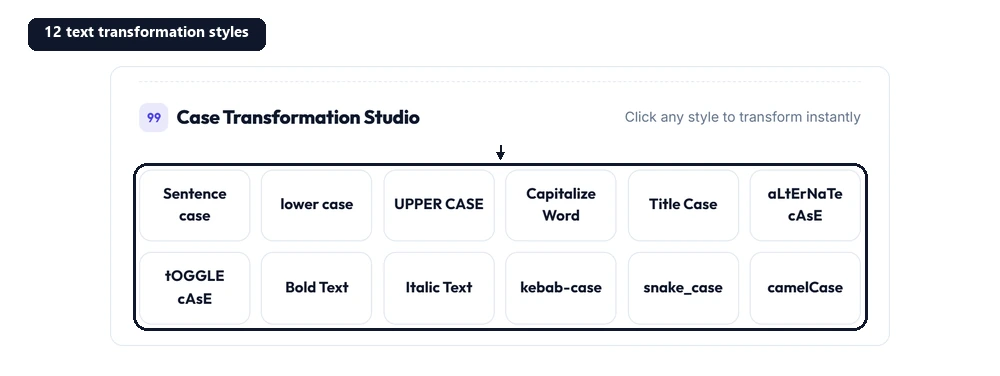
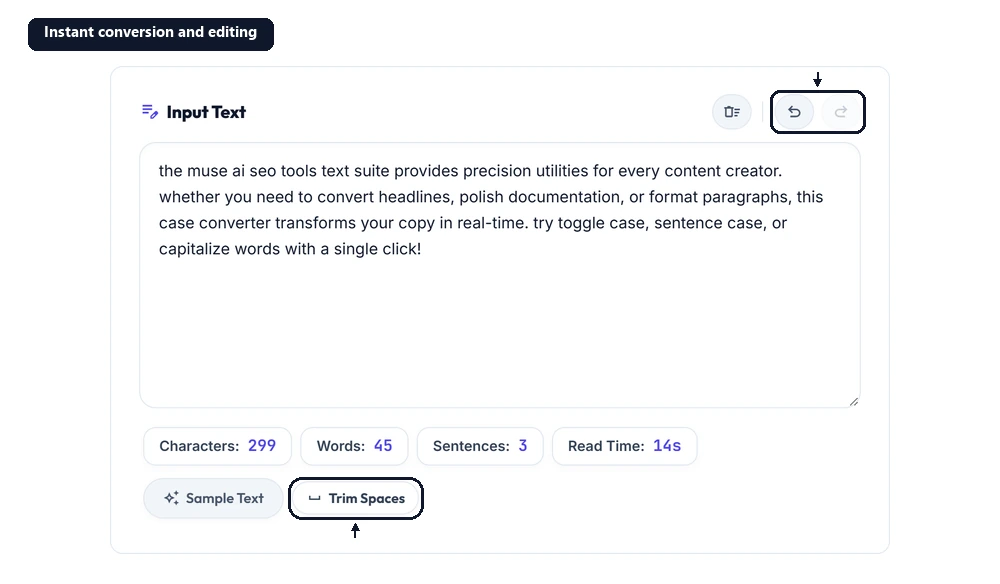
- Instant conversion and editing: Apply a selected style with one click, trim unwanted spaces, and use undo or redo to adjust your text.
- Text statistics and export: View character, word, and sentence counts with estimated reading time, then copy your text or download it as a
.txtfile.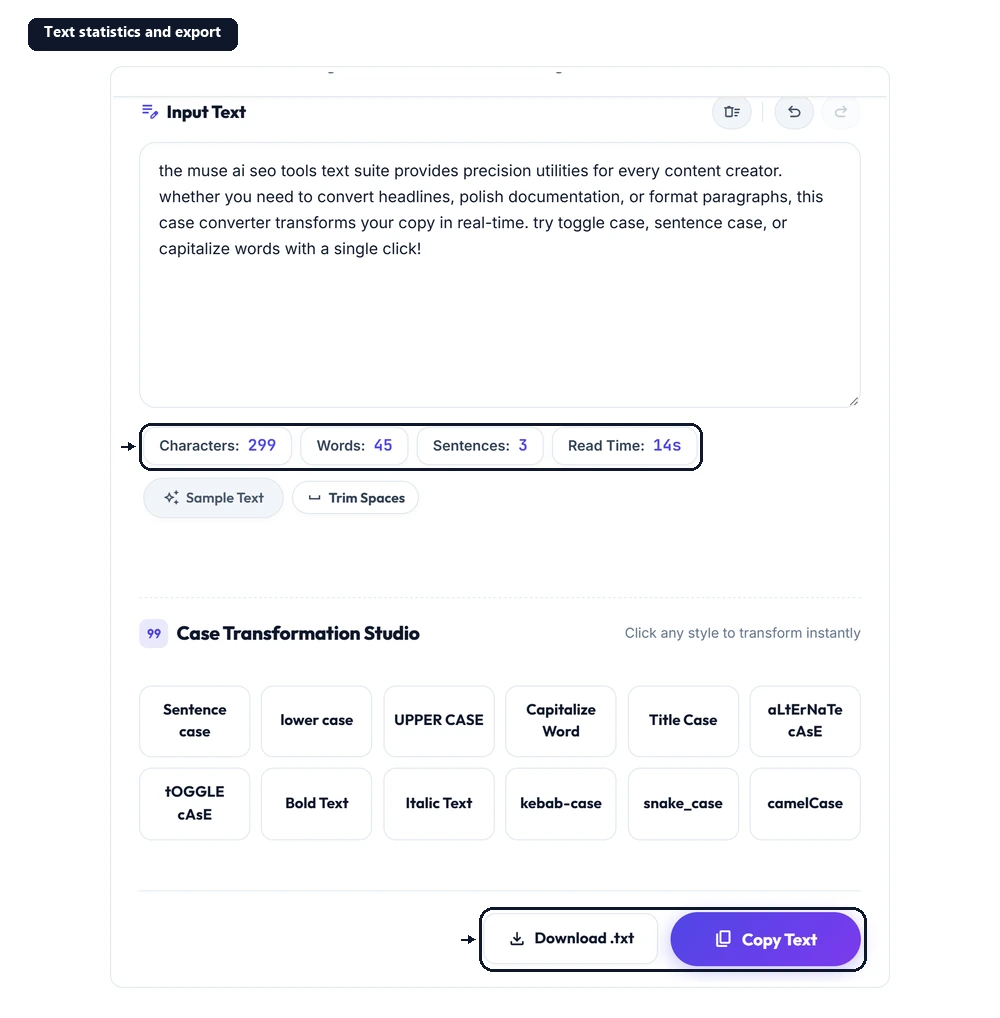
How to convert uppercase to lowercase online
Follow these four steps to format your text:
- Enter your text: Type or paste your content into the Input Text box, or click Sample Text to try an example.
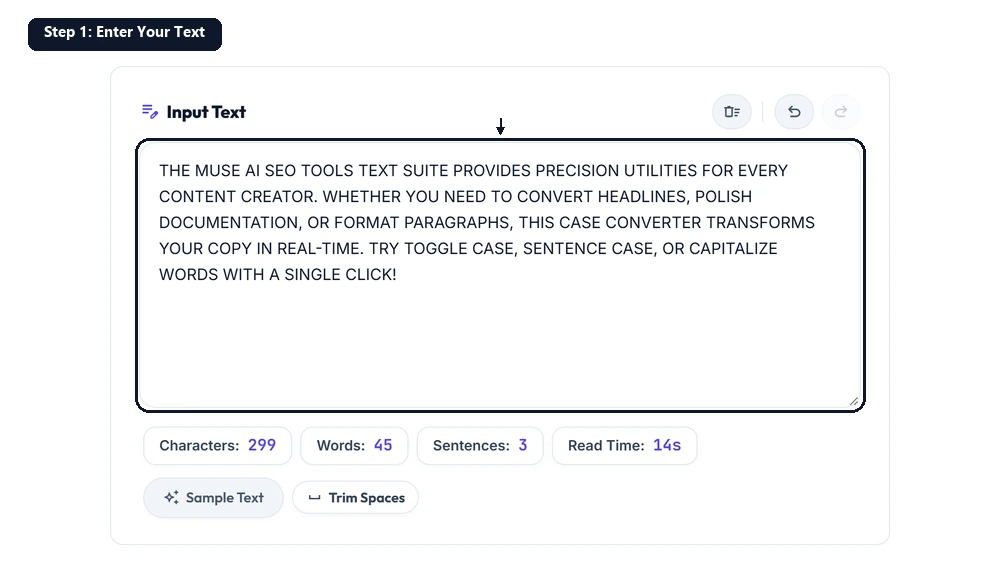
- Select lowercase: Click lower case in the Case Transformation Studio to convert uppercase to lowercase online.
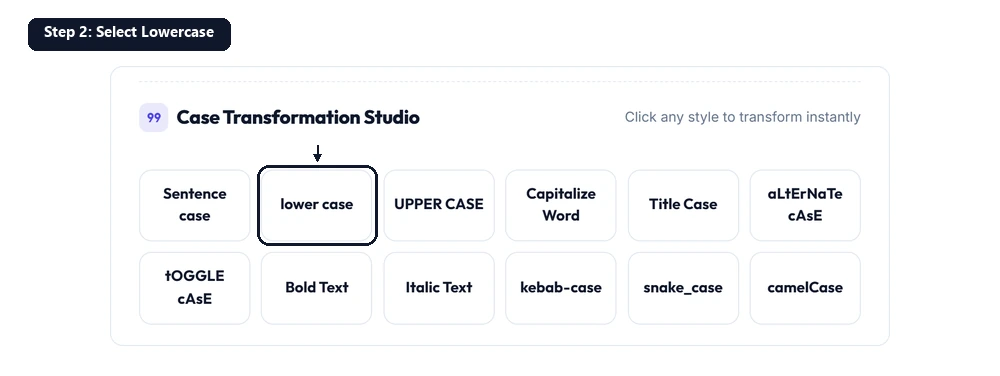
- Review the result: Check the updated text in the input area. You can also select Trim Spaces to clean up unnecessary spacing.
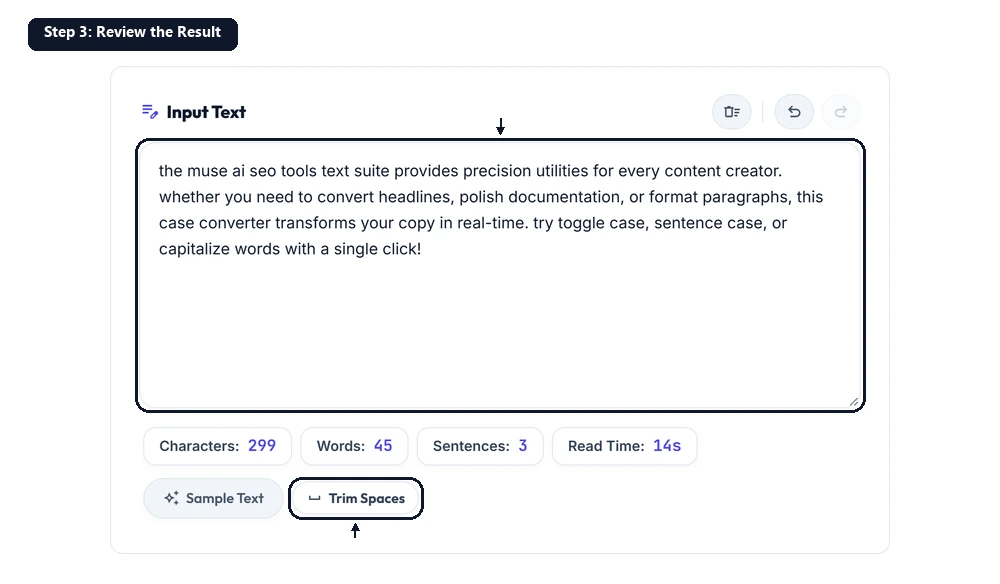
- Copy or download: Click Copy Text to use the result elsewhere, or Download .txt to save it.
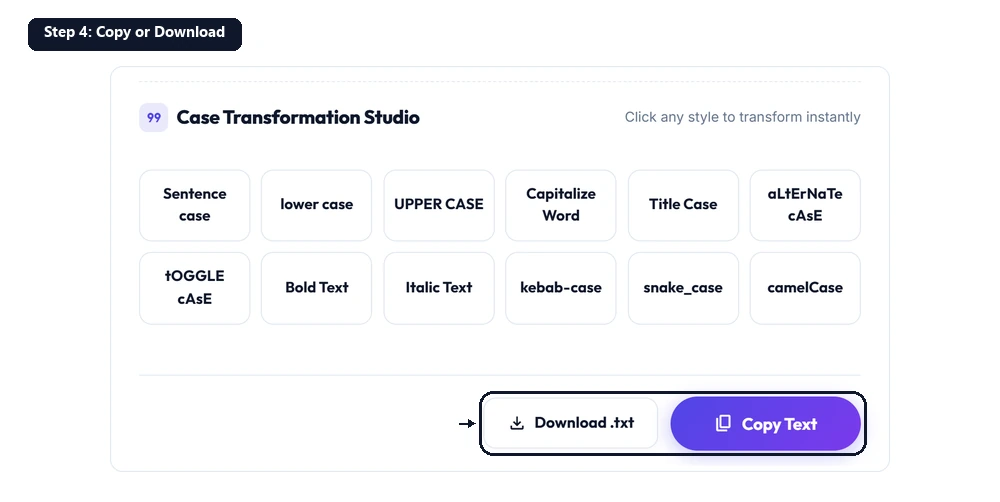
To transform uppercase to lowercase online using a different style, simply choose another option from the transformation panel.
Explore the available text case styles
The tool offers more than a basic lowercase conversion. Here are examples of its different formatting options.
| Text style | Example output |
|---|---|
| Sentence case | Hello world |
| lower case | hello world |
| UPPER CASE | HELLO WORLD |
| Capitalize Word | Hello World |
| Title Case | Hello World |
| aLtErNaTe cAsE | hElLo wOrLd |
| tOGGLE cAsE | hELLO WORLD |
| Bold Text | Hello World |
| Italic Text | Hello World |
| kebab-case | hello-world |
| snake_case | hello_world |
| camelCase | helloWorld |
Examples illustrate the intended formatting styles. Exact capitalization may vary depending on the input and selected transformation.
For ordinary writing, sentence case and lowercase are useful for correcting capitalization. Meanwhile, kebab-case, snake_case, and camelCase are commonly used when preparing identifiers and structured text.
Practical everyday use cases
An uppercase to lowercase converter can simplify several common writing and formatting tasks.
- Fixing accidental Caps Lock errors: Convert an all-caps message or paragraph into lowercase without manually editing every letter.
- Formatting email addresses and code: Standardize text where lowercase conventions are preferred, such as email addresses, URLs, and selected programming identifiers. Be careful with case-sensitive paths and code.
- Cleaning spreadsheet data: Normalize inconsistent capitalization in customer lists, product labels, and imported text before further processing.
For example, if a spreadsheet contains customer categories written as RETAIL, Retail, and retail, converting them to a consistent case can make the data easier to organize.
When should you use lowercase instead of title case?
The right capitalization depends on where the text will appear.
- Use lowercase for standardized labels, selected technical identifiers, or content that intentionally follows a lowercase style.
- Use sentence case for regular paragraphs, instructions, and conversational writing.
- Use title case when formatting headings or titles that follow title-style capitalization.
If you need more extensive formatting, try our Online Text Editor. For decorative lettering and compact Unicode styles, explore the Small Text Generator.
Convert uppercase text to lowercase for free
Whether you're correcting capitalization mistakes, cleaning imported data, or preparing formatted text, the free Uppercase to Lowercase Converter from Muse AI SEO Tools makes the process straightforward.
Enter your text, select the desired style, and copy or download the converted result.