Image Translator – Translate Text in Images Online for Free
Found a foreign-language sign, product label, comic panel, or document you cannot understand? An image translator helps you read text captured in pictures by converting it into your preferred language.
The free image translator from Muse AI SEO Tools lets you upload an image, select a translation language, and view the translated text without manually retyping the original content.
Whether you're reading Japanese manga, interpreting Chinese packaging, or translating academic materials, this online tool makes foreign-language content easier to understand.
What is an image translator?
An image translator identifies written text inside a picture and translates it into another language. Unlike a traditional text translator, you do not need to type or copy the original words before translating them.
For example, you might upload a photograph of a Spanish restaurant menu and select English as your target language. The tool extracts the written content and displays its English translation in a separate text panel.
Our text from image translator supports PNG, JPG, WEBP, BMP, and TIFF files, making it suitable for screenshots, photographs, and scanned documents.
Key features of our free image translator
Key features of our free image translator
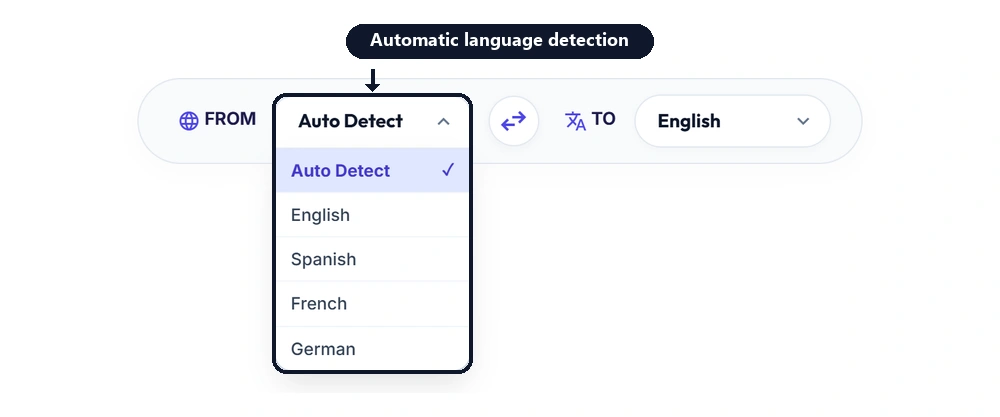
1. Automatic language detection
Automatically identify the language used in an uploaded image or manually select the source language from the FROM dropdown. This makes it easier to translate unfamiliar text without knowing its original language.
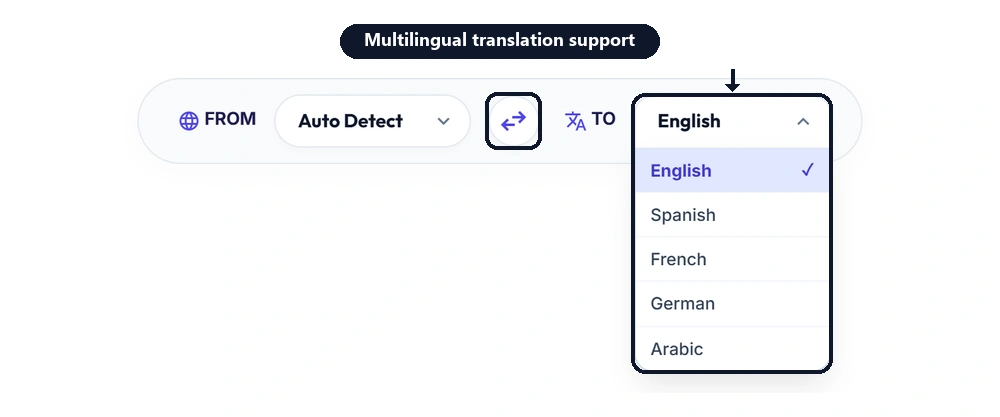
2. Multilingual translation support
Translate image text into English, Spanish, Chinese, Japanese, Korean, Arabic, Urdu, Hindi, and many other languages. Select your preferred language from the TO dropdown and use the language-switch option to reverse the translation direction.
How to translate text from an image
Follow these steps to use the online image translation tool:
- Select the source language: Choose Auto Detect or specify the language under FROM.
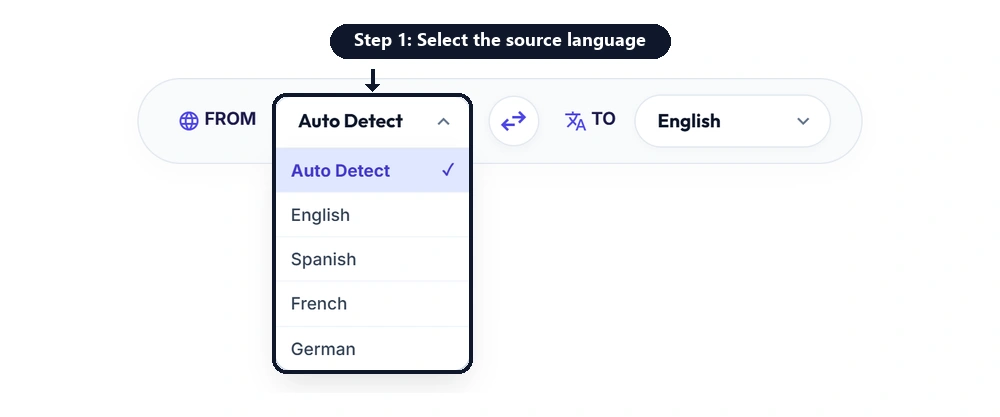
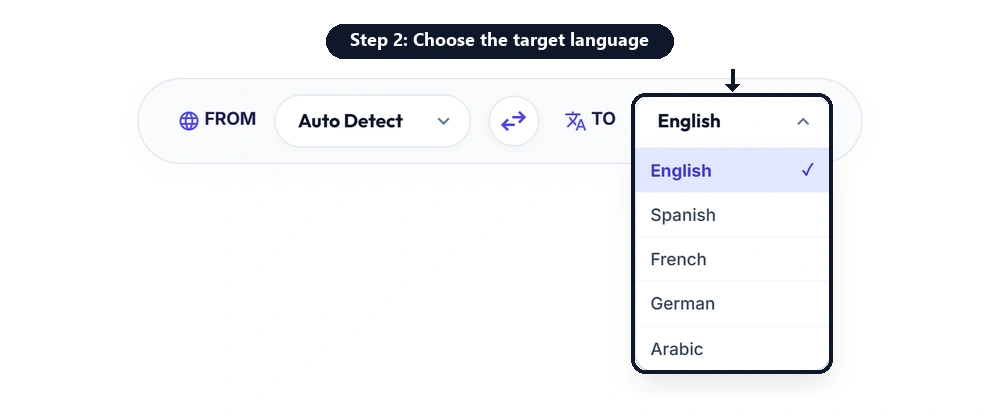
- Choose the target language: Use the TO dropdown to select the language you want.
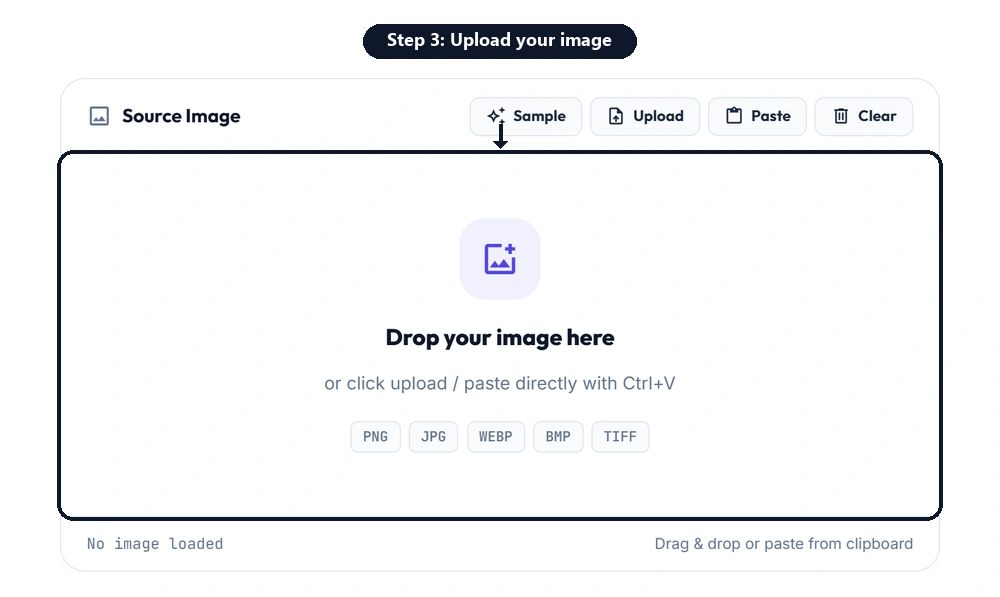
- Upload your image: Drag and drop a file, click Upload, or paste a screenshot. You can also use Sample to test the tool.
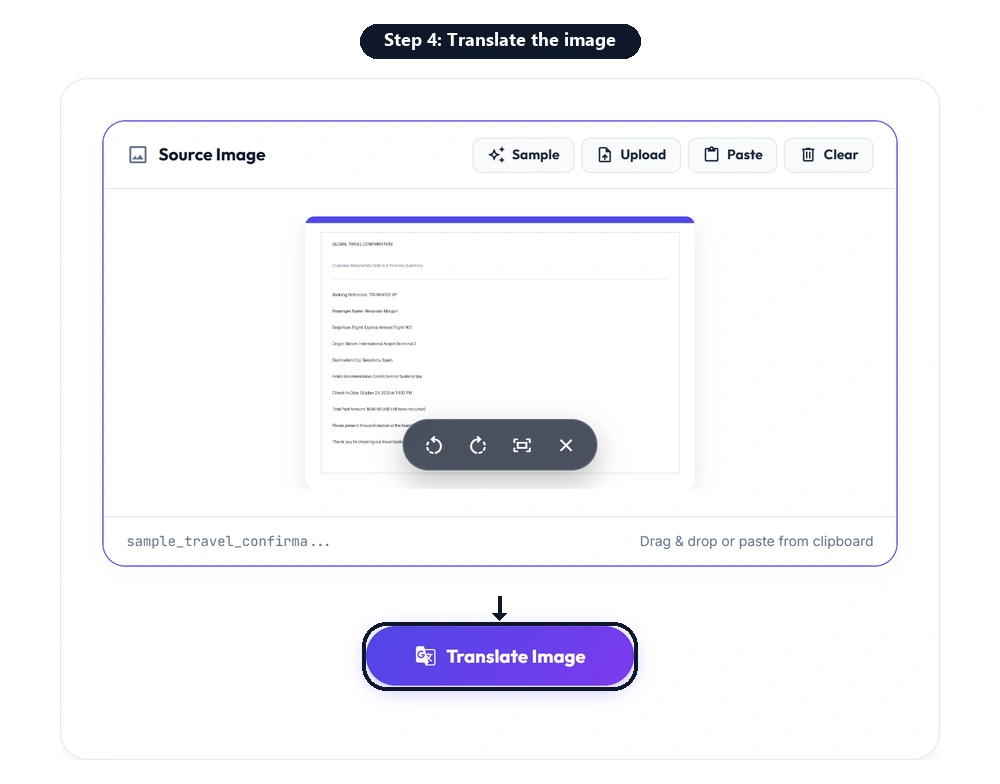
- Translate the image: Click Translate Image and wait for processing to finish.
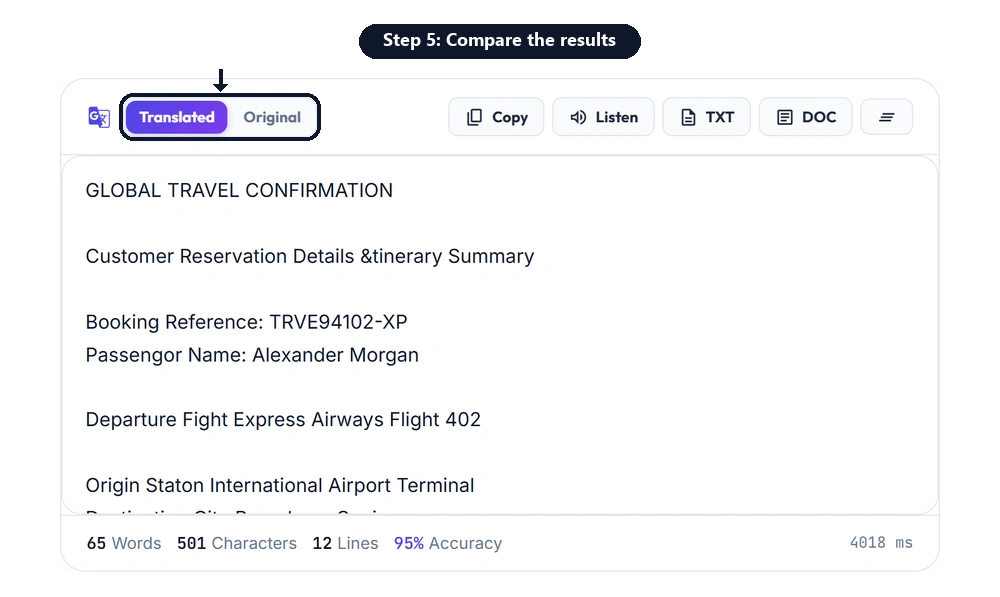
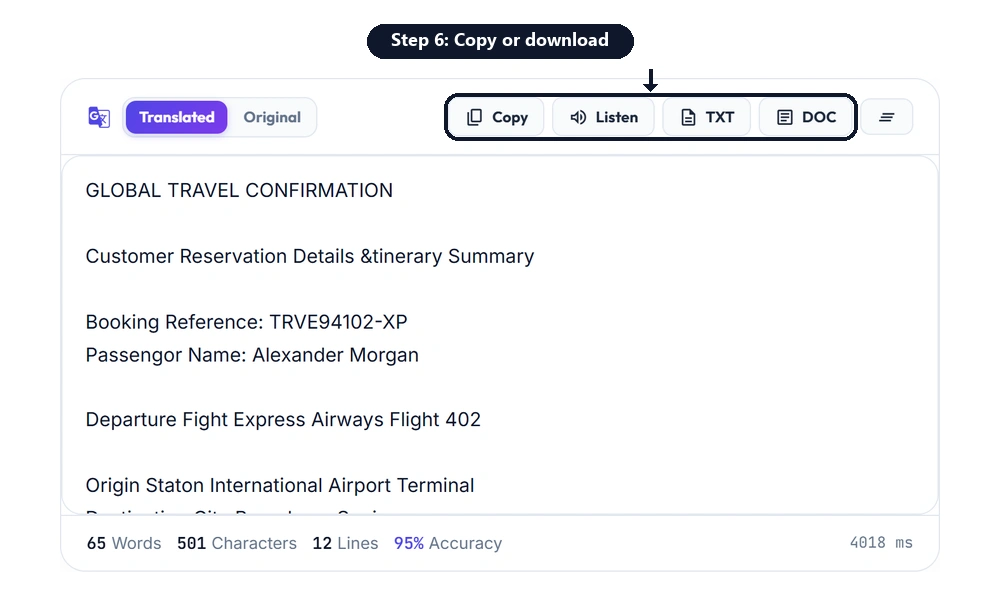
- Compare the results: Switch between Original and Translated to review the content.
- Copy or download: Save the translated text using the available export options.
What languages can you translate from images?
The tool supports a wide range of languages, making it useful for everyday reading, travel, entertainment, and research.
| Language | Example application |
|---|---|
| Japanese | Read manga dialogue, restaurant menus, and signs |
| Chinese | Understand product labels, packaging, and instructions |
| Korean | Translate webcomics, notices, and everyday documents |
| Arabic | Read public signs, printed documents, and labels |
| Russian | Understand reference materials, instructions, and notices |
| Spanish | Translate travel brochures, menus, and informational materials |
You can translate text from these and other supported languages into English or another language using the available dropdowns.
Popular practical use cases
Foreign comic books and webcomics
Readers exploring Japanese manga, Korean manhwa, and international webcomics often encounter dialogue unavailable in their preferred language. A manga image translator can help interpret text from individual panels, making unfamiliar dialogue easier to follow. However, stylized lettering and speech bubbles may require additional review.
Product packaging and instructions
Imported products frequently include ingredients, warnings, or operating instructions in another language. Using a text on image translator, shoppers can translate visible packaging information and understand general product details. For important medical or safety instructions, confirm the translation with an authoritative source.
Travel navigation
Travelers can translate restaurant menus, museum displays, transport notices, and public signs from photographs. This is particularly helpful when visiting locations where printed information is not available in a familiar language.
Academic research and foreign documents
Researchers sometimes encounter quotations, historical documents, or reference materials written in unfamiliar languages. An image translation tool can provide an initial interpretation of these materials, helping researchers identify relevant passages before arranging a more detailed translation.
How to get more accurate image translations
An accurate image translator depends on both text recognition and translation quality. For clearer results, use sharp images with readable lettering and sufficient contrast. Avoid cropped sentences, reflections, and excessive background clutter.
When translating technical documents, academic references, or unfamiliar expressions, compare the translated output with the original text. Automatic translation may miss specialized terminology, idioms, or cultural context.
If automatic language detection produces unexpected results, manually select the source language and translate again.
Image translation versus text extraction
Image translation and text extraction solve related but different problems.
If you only need to capture written content without changing its language, try our Optical Character Recognition utility. Our Image to Text Converter offers additional text extraction and output-format options.
For turning an image-based document into editable Word content, explore the JPG to Word Converter.
Translate images into your preferred language
Our free image translator provides a convenient way to understand foreign-language text in pictures, screenshots, and documents. With automatic language detection, multilingual translation, original-text comparison, and downloadable results, Muse AI SEO Tools helps make everyday image translation simpler and more accessible.