Rewrite and spin articles to create original, engaging, and plagiarism-free content.
Free AI Article Writer & Article Rewriter Online
Creating an article from scratch and improving an existing draft require different approaches. Sometimes you need fresh content based on a topic and SEO keywords. Other times, your article is already written but needs clearer sentences, better flow, or a different tone.
The AI Article Writer & Article Rewriter from Muse AI SEO Tools brings both functions together. You can generate articles using specific instructions or rewrite existing content with alternative wording and sentence structures.
Whether you're developing blog posts, updating marketing content, or refining editorial drafts, this free online tool helps you create and improve writing through one convenient interface.
What is an AI article writer & rewriter?
An AI Article Writer & Rewriter is a browser-based tool that supports two writing tasks: generating new articles and revising existing content.
The Article Writer (Generate) tab creates a draft based on your topic, keywords, target word count, tone, audience, and language. It is useful when you have an article idea but need help developing an initial version.
The Article Rewriter (Paraphrase) tab works with text you've already prepared. It changes wording and sentence structures while aiming to preserve the original meaning. This makes it useful for improving repetitive paragraphs, adjusting tone, and exploring alternative expressions.
Unlike a basic text rewriter, the combined interface supports both article creation and revision. You can develop an initial draft, review its content, and then use the rewriting function to refine sections that need attention.
However, generated and rewritten text should always be checked for accuracy, originality, and relevance before publication.
How to generate an article step by step
Use the Article Writer (Generate) tab when you want to create a new article.
- Select Article Writer: Open the Article Writer (Generate) tab.

Select Article Writer - Enter Your Topic: Type your subject into the required Article Topic / Title field.
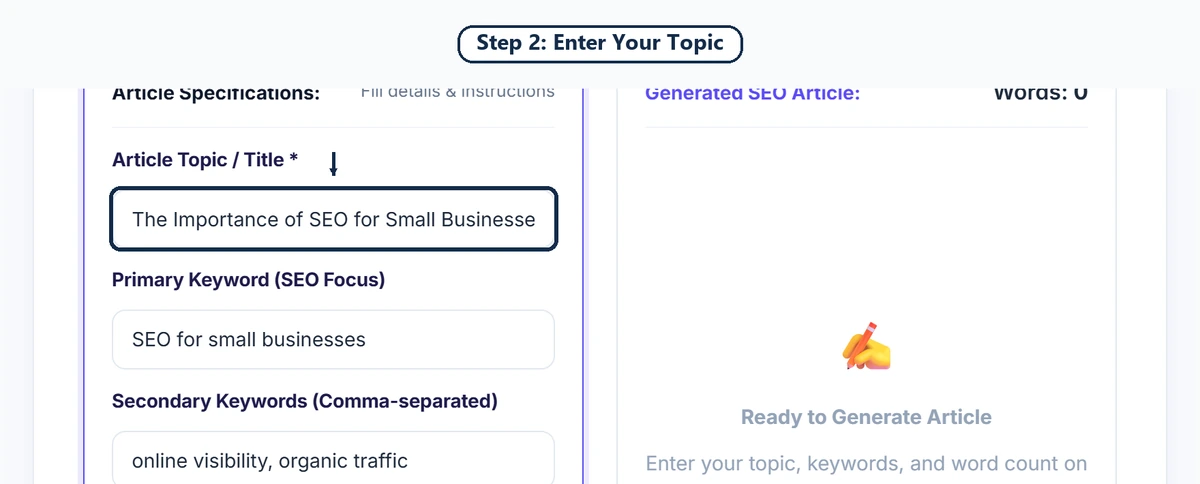
Select Article Writer - Add SEO Keywords: Enter a Primary Keyword (SEO Focus) and any Secondary Keywords, separated by commas.

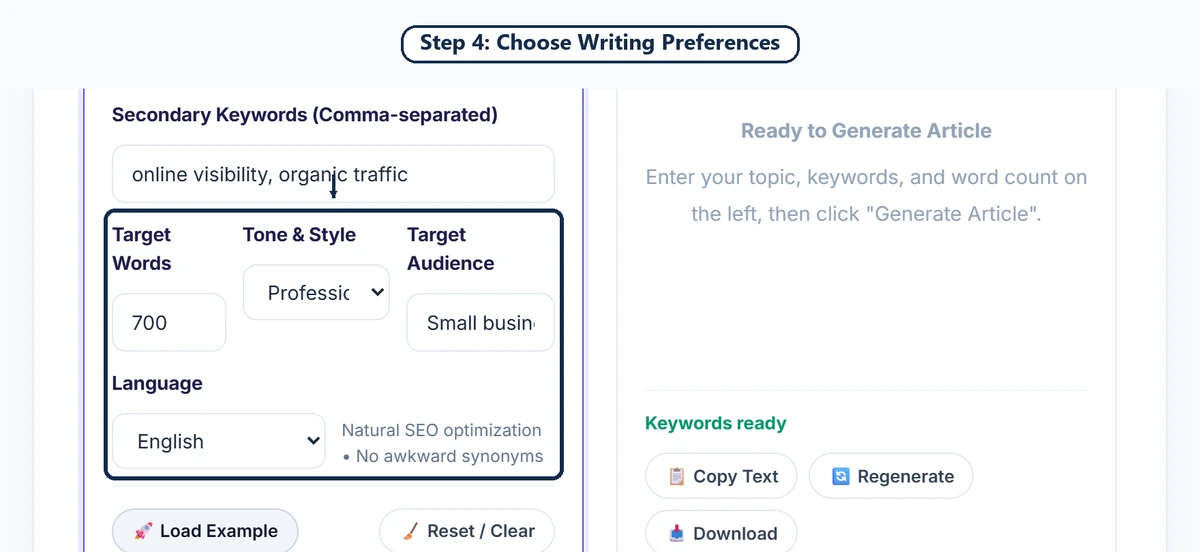
Select Article Writer - Choose Writing Preferences: Set your Target Words, Tone & Style, Target Audience, and Language.
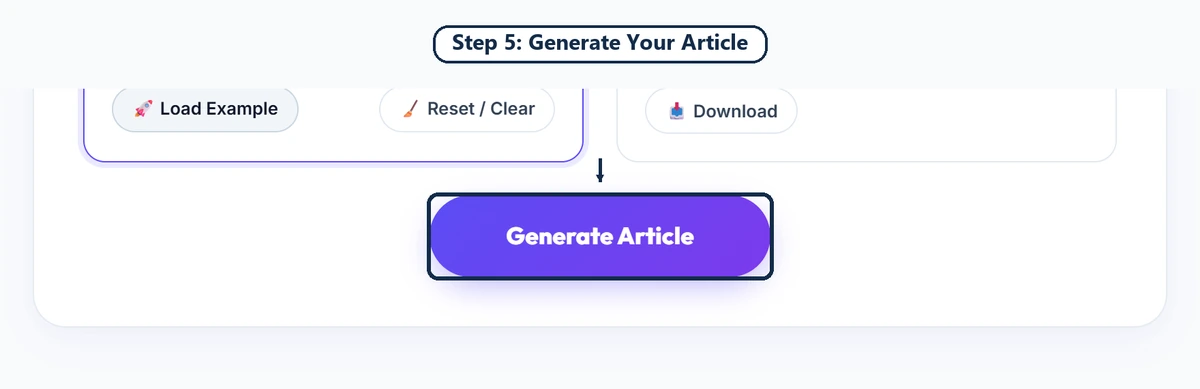
Select Article Writer - Generate Your Article: Click Generate Article to create a draft based on your instructions.
Select Article Writer - Review and Save: Examine the Generated SEO Article, check the displayed word count and keyword statistics, then select Copy Text or Download. You can also use Regenerate to create another version.

Select Article Writer
You can click Load Example to explore sample settings or Reset / Clear to start again.
How to rewrite an existing article
Use the Article Rewriter (Paraphrase) tab when you already have text that needs improvement.
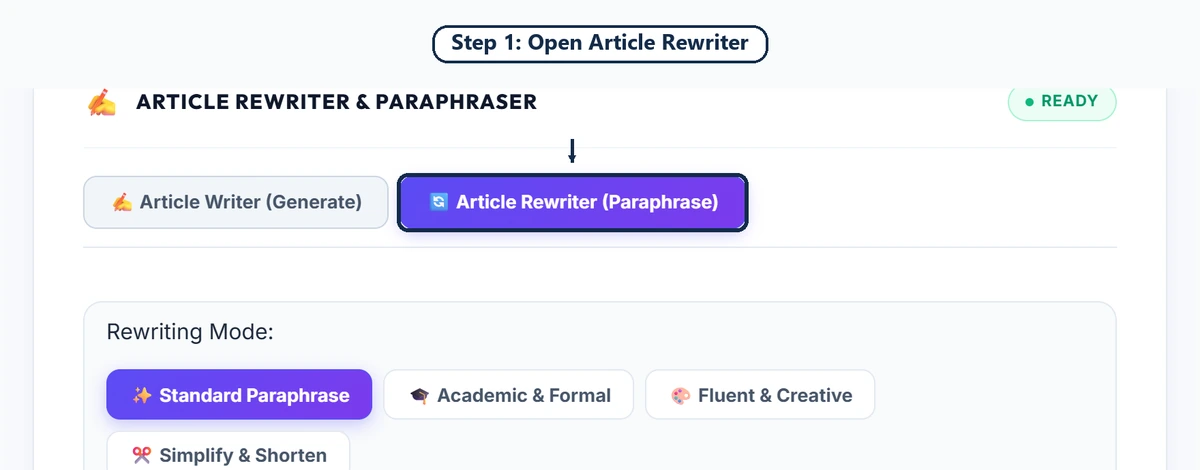
- Open Article Rewriter: Select the Article Rewriter (Paraphrase) tab.
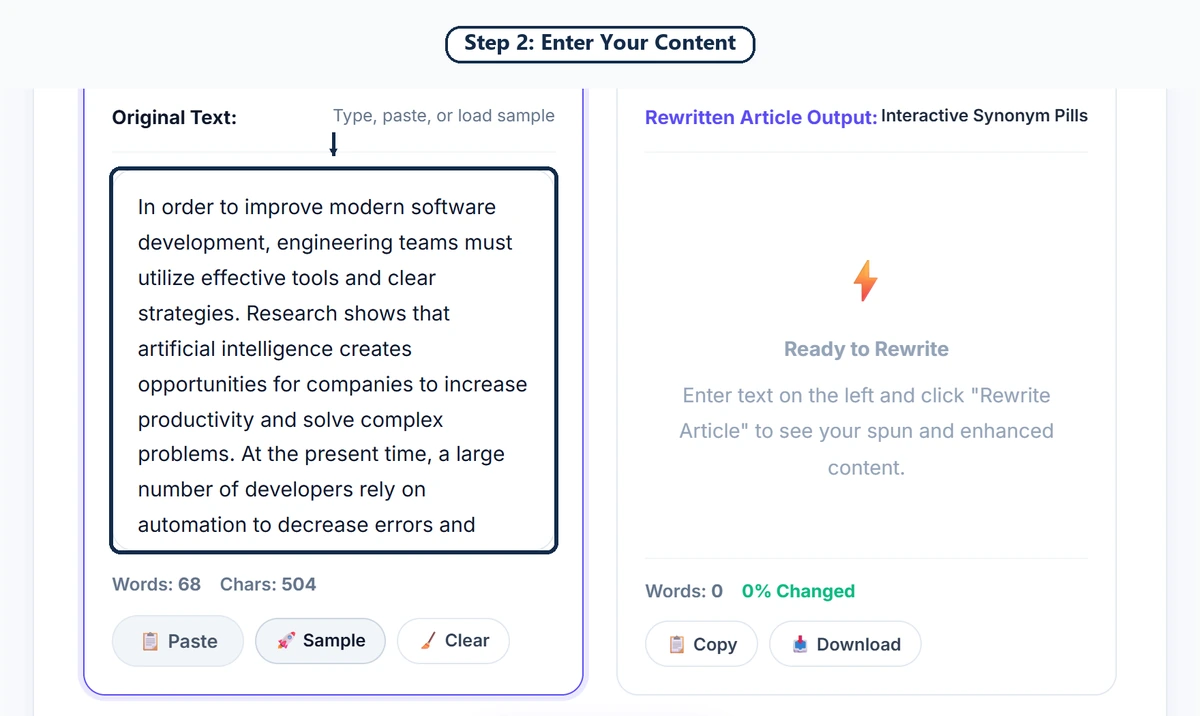
Select Article Writer - Enter Your Content: Paste or type your existing article into Original Text. You can also select Paste or Sample.
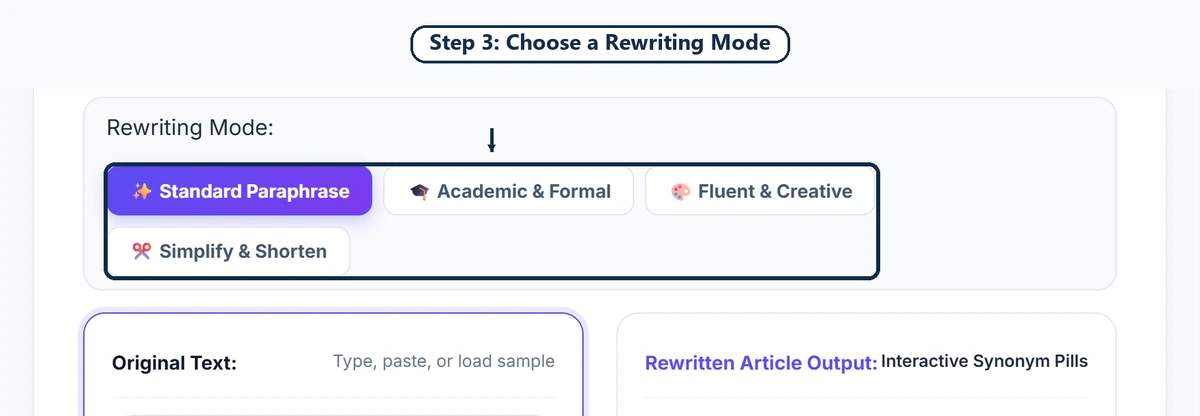
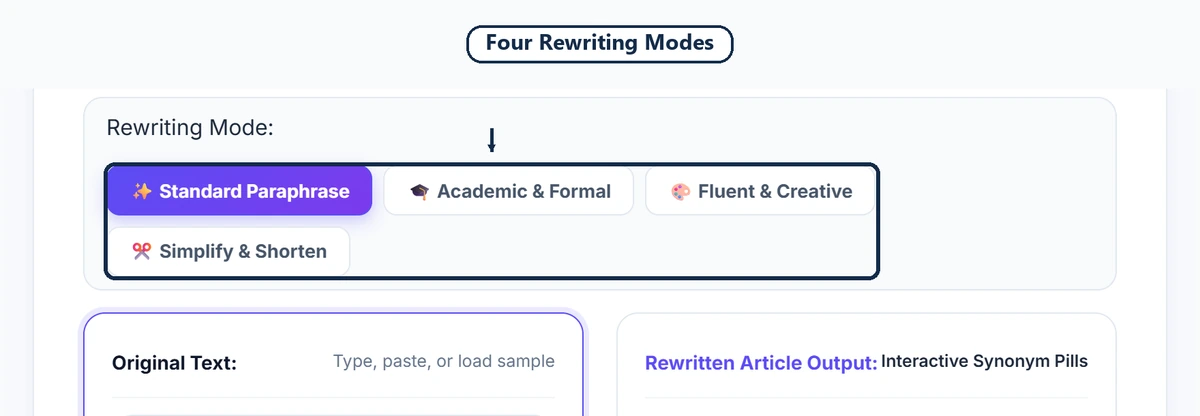
Select Article Writer - Choose a Rewriting Mode: Select Standard Paraphrase, Academic & Formal, Fluent & Creative, or Simplify & Shorten.
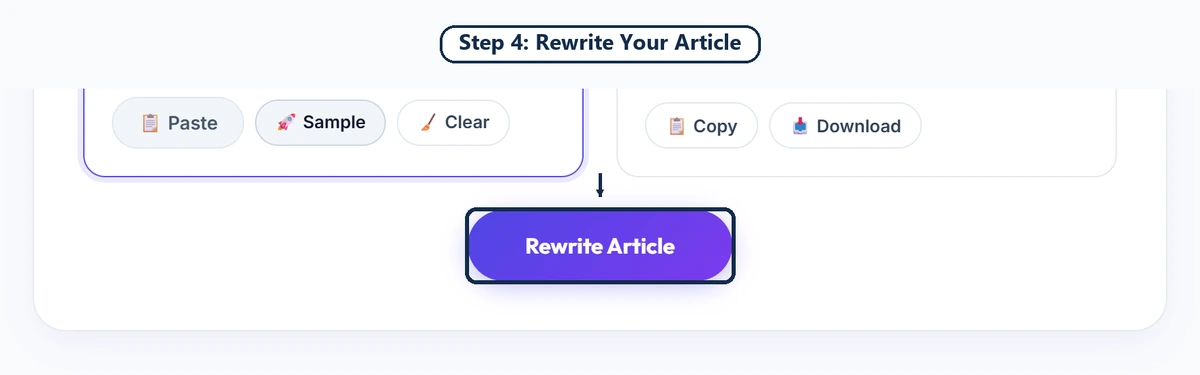
Select Article Writer - Rewrite Your Article: Click Rewrite Article to generate a revised version.
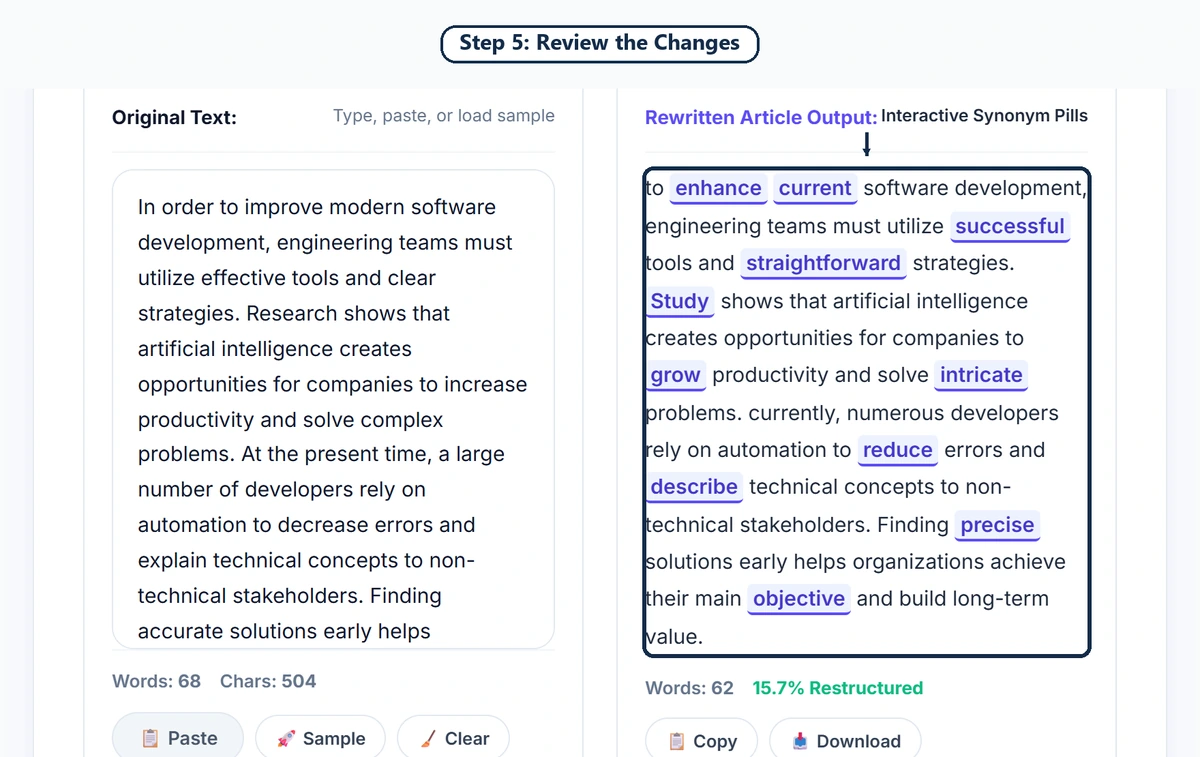
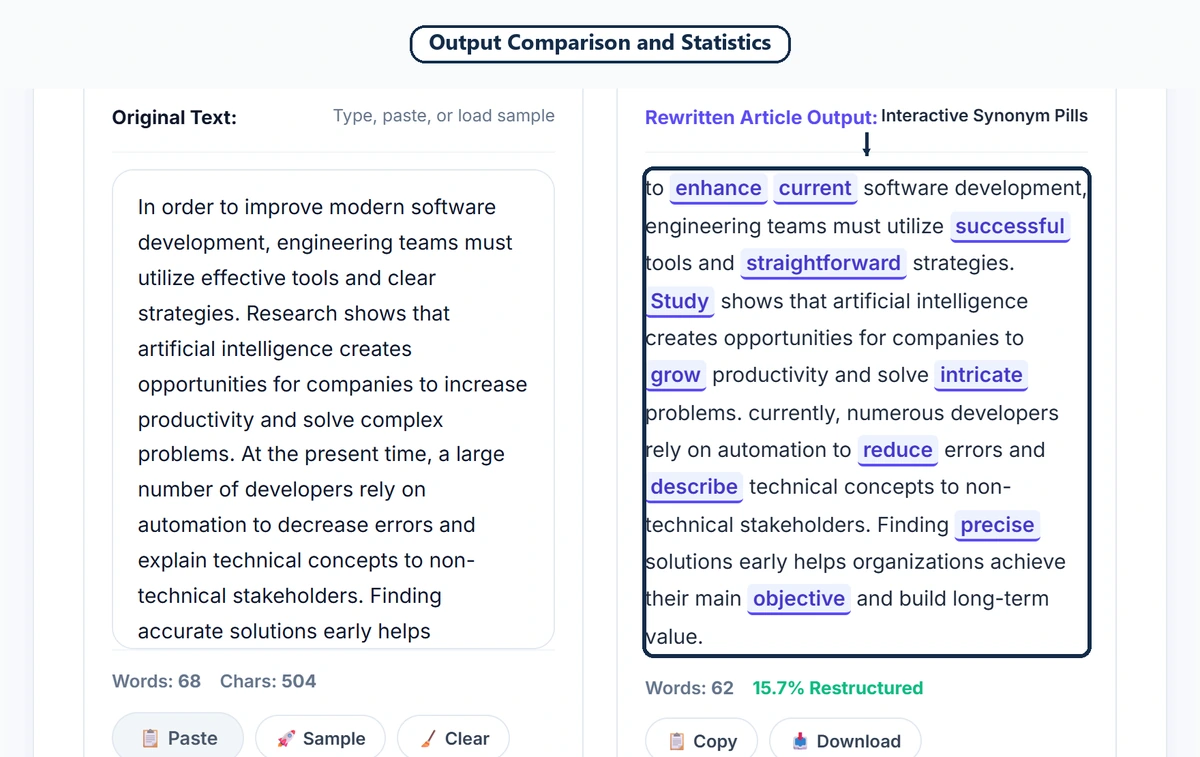
Select Article Writer - Review the Changes: Compare the Rewritten Article Output with your original text. Examine highlighted synonym suggestions and rewriting statistics.
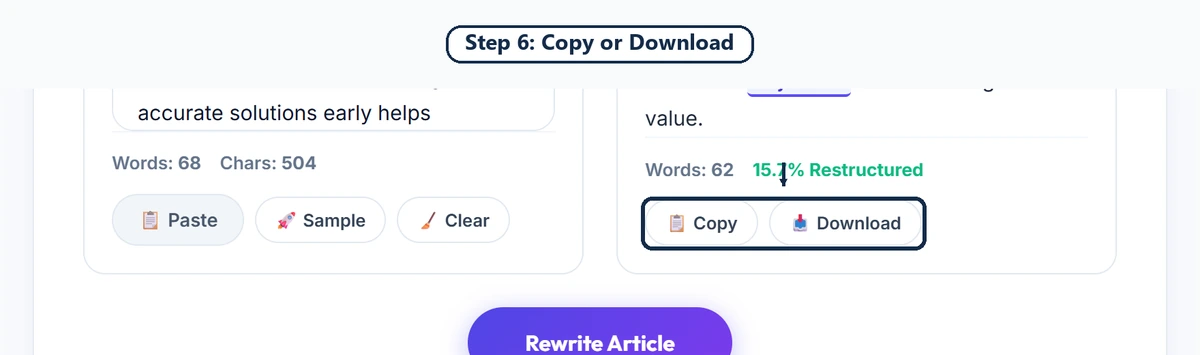
Select Article Writer - Copy or Download: Save the revised article using Copy or Download.
Select Article Writer
The rewriting panel displays original and revised word counts, words restructured, and the reported percentage of changes. These figures help describe the revision but do not determine whether the writing is better.
Key features of our tool
- SEO-Focused Article Generation: Create article drafts using a topic, primary and secondary keywords, target word count, writing style, audience, and language.

Select Article Writer - Four Rewriting Modes: Choose Standard Paraphrase, Academic & Formal, Fluent & Creative, or Simplify & Shorten to revise existing text according to your writing needs.
Select Article Writer - Output Comparison and Statistics: Review generated content with keyword information or compare rewritten text with the original while examining word counts, restructuring statistics, and interactive synonym suggestions.
Select Article Writer
Popular practical use cases
- SEO Blog Post Updating: Refresh existing articles with clearer wording and improved sentence flow while checking that information and keywords remain relevant.
- Multi-Platform Social Distribution: Adapt corporate announcements into alternative writing styles for professional networks and social platforms.
- Email Newsletter Curation: Rework detailed technical content into more approachable passages for subscriber newsletters.
- Product Description Variation: Create alternative versions of existing product descriptions while preserving accurate specifications and important details.
Article writer vs. Article rewriter
Both tabs support content development, but they serve different purposes.
| Feature | Article Writer (Generate) | Article Rewriter (Paraphrase) |
|---|---|---|
| Starting Point | Topic and instructions | Existing article or passage |
| Main Purpose | Generate an initial draft | Revise wording and structure |
| Customization | Keywords, word count, tone, audience, language | Four rewriting modes |
| Output Review | Generated article and keyword statistics | Side-by-side comparison and rewriting statistics |
| Best For | Starting new content | Improving existing content |
For example, a blogger planning a new article can use the generation tab to prepare an initial draft. After reviewing the information and adding original insights, the blogger can switch to the rewriting tab to improve awkward or repetitive sections.
The rewriting function can also act as a paragraph rewriter when only a particular section needs attention. Similarly, writers looking for help with sentence rewriting can experiment with different modes rather than revising an entire article.
For academic work, the tool can help you rewrite essay passages for clarity, but you should follow your institution's rules on AI-assisted writing and properly acknowledge borrowed ideas.
Neither function guarantees factual accuracy, plagiarism-free writing, or improved search rankings. The final content should reflect your own research, judgment, and editorial review.
More tools for writing and editing
Different writing tasks may require more specialized assistance.
If you only need to reword a short passage, try our Paraphrasing Tool to explore alternative expressions.
For lengthy material that needs to be condensed rather than rewritten in full, use the Text Summarizer to identify and present its main points.
You can also explore our dedicated AI Writer for another approach to generating content from instructions.
These tools support different stages of writing, from preparing initial drafts to refining and shortening existing material.
Start creating and improving articles today
Whether you're developing a new blog post or refining an existing article, choosing the right writing approach can make editing more manageable.
With the free AI Article Writer & Rewriter from Muse AI SEO Tools, you can generate content from a topic and SEO instructions or use the AI rewriter to improve wording, sentence flow, and readability.
Enter your topic or existing text, select the appropriate tab, and prepare a draft that you can review and personalize before publishing.